
consolet
Every machine you own, on one screen.
consolet is an Android app for the machines you own, at home or anywhere else. It shows which are on and how busy they are, wakes them, shows their screen through a KVM and opens a shell on them, all from the phone. It needs no account.

What it looks like
What it does
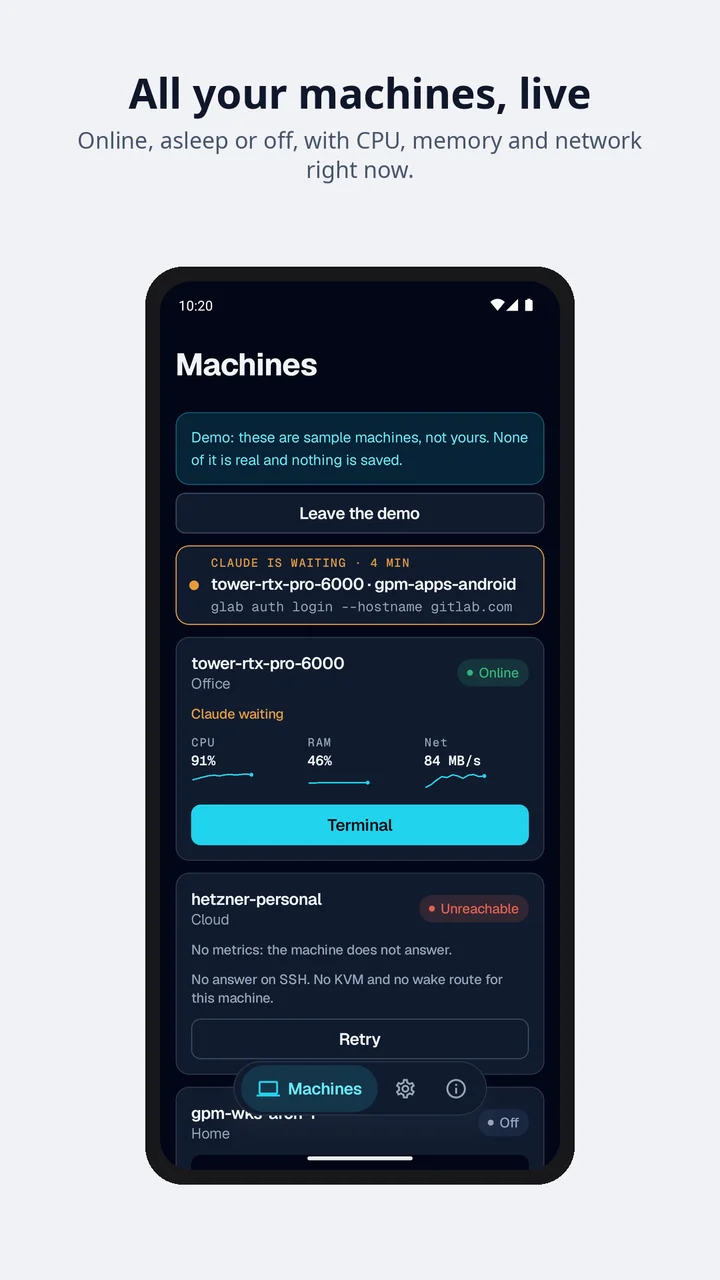
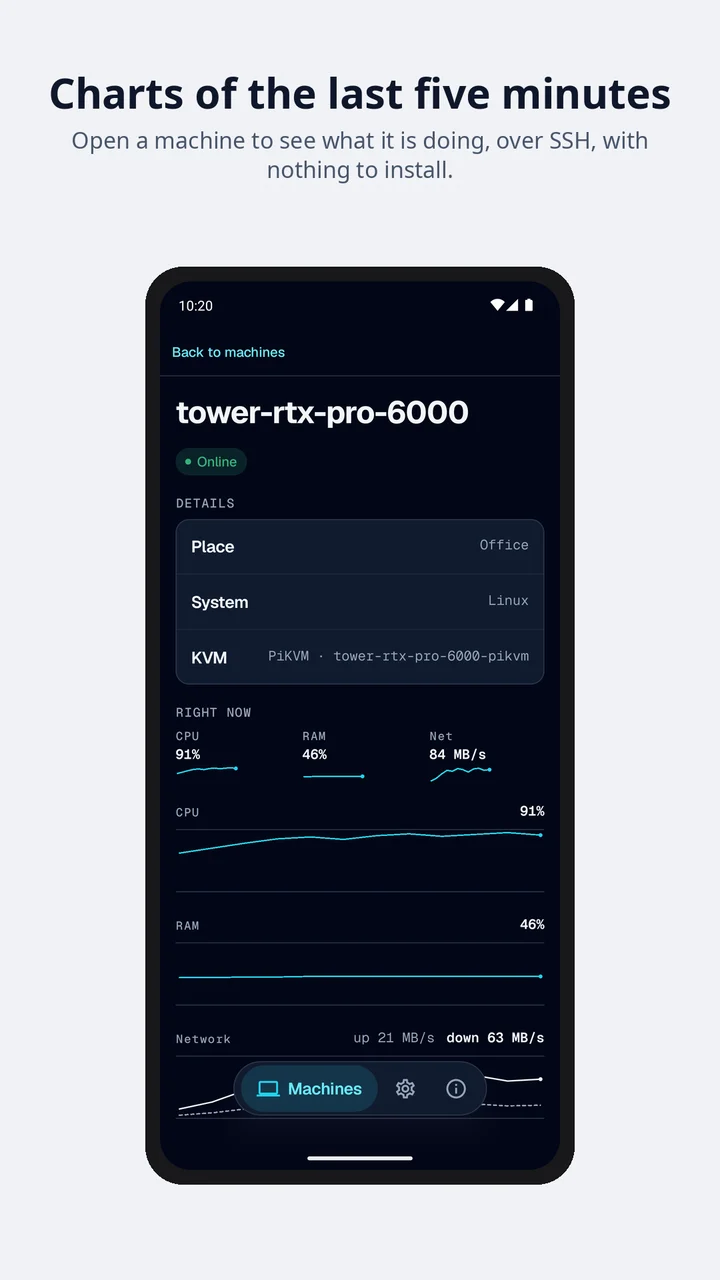
- Machines and HomeEvery machine on one screen: whether it is up, and its CPU, memory and network while it answers. Machines are grouped by site: a home, an office, a rack.
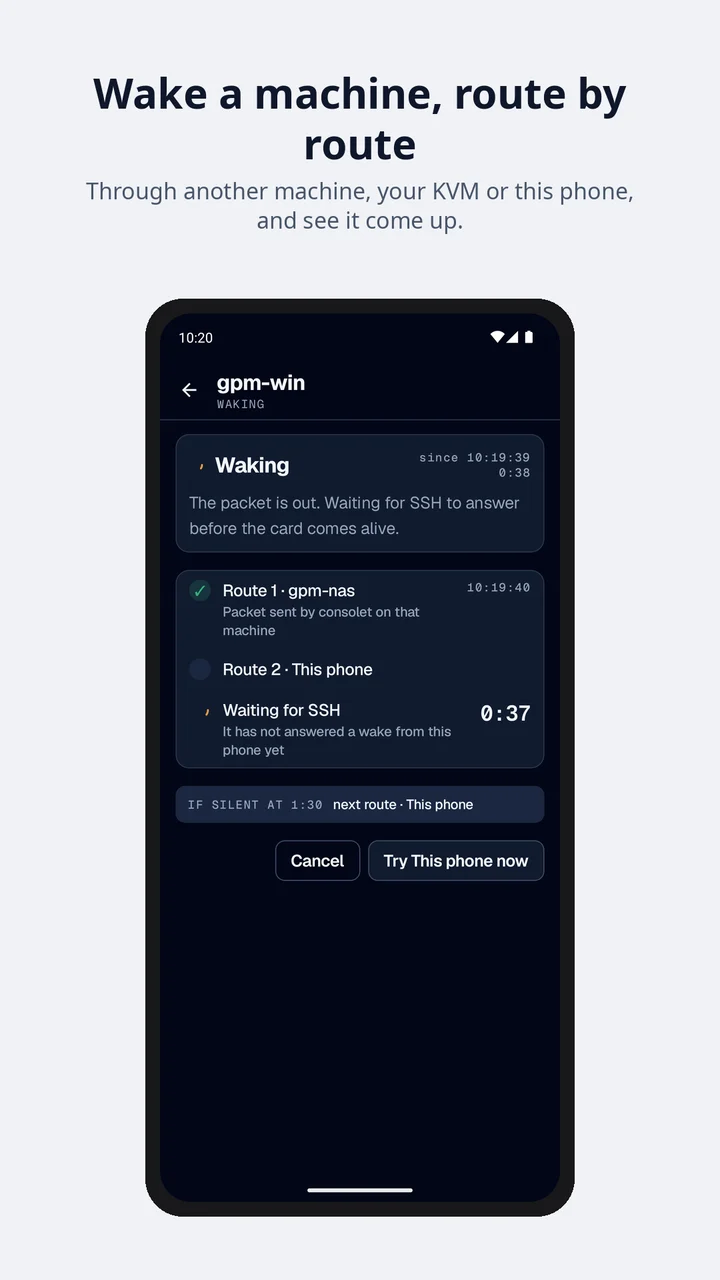
- Wake-on-LANWakes a machine from the Wi-Fi or Ethernet network the phone is on, through a machine you chose, a KVM or your relay.
- KVM screen and powerA PiKVM or JetKVM next to a machine is part of the same card: its screen in the app, and its power buttons for a machine that is off or stuck.
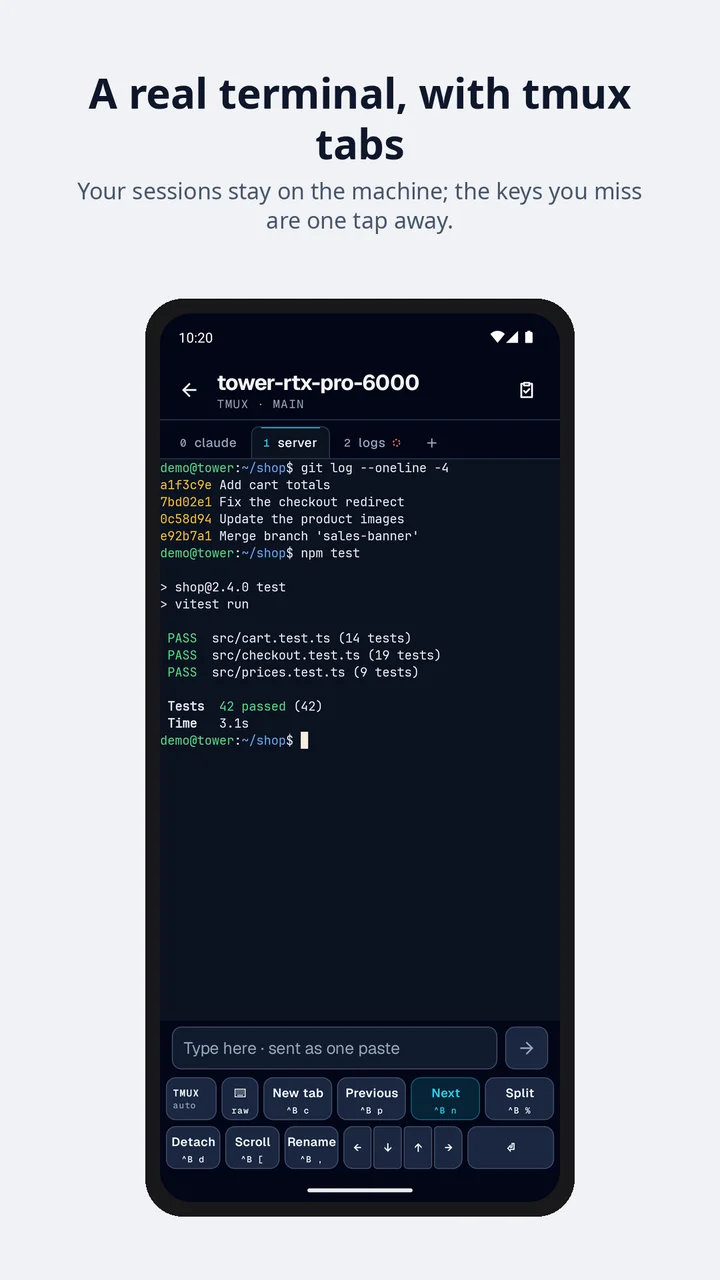
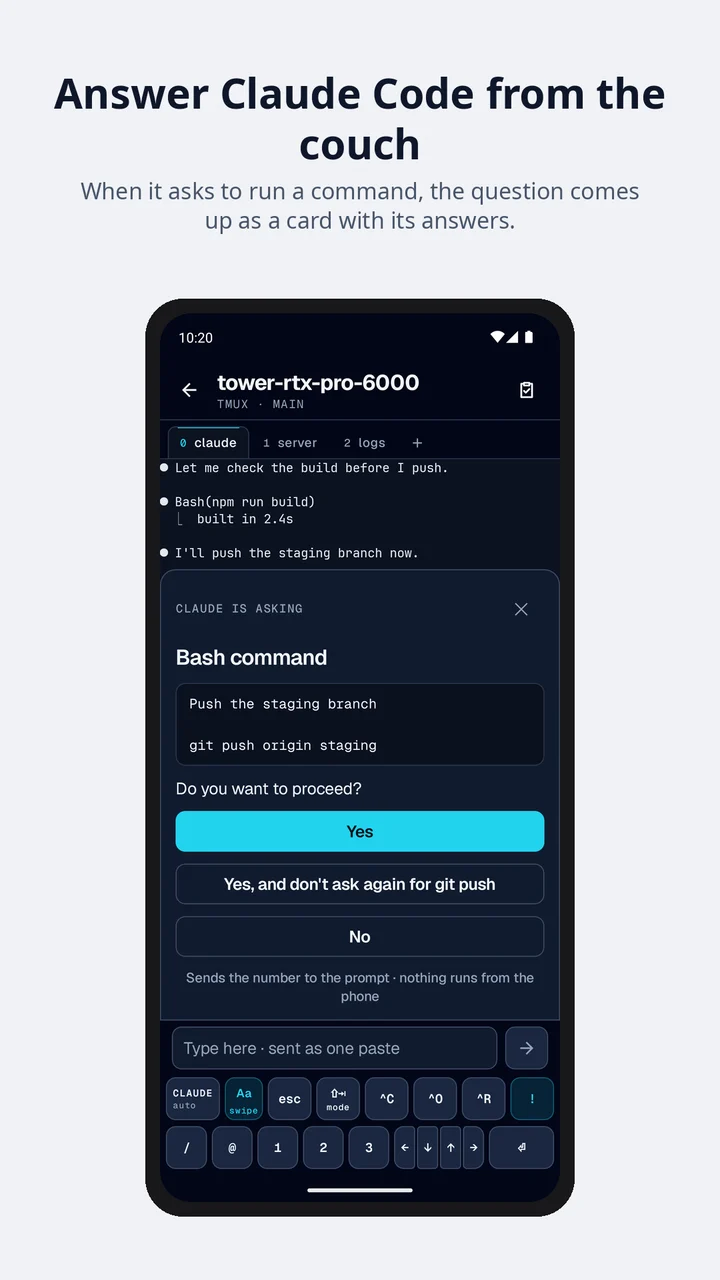
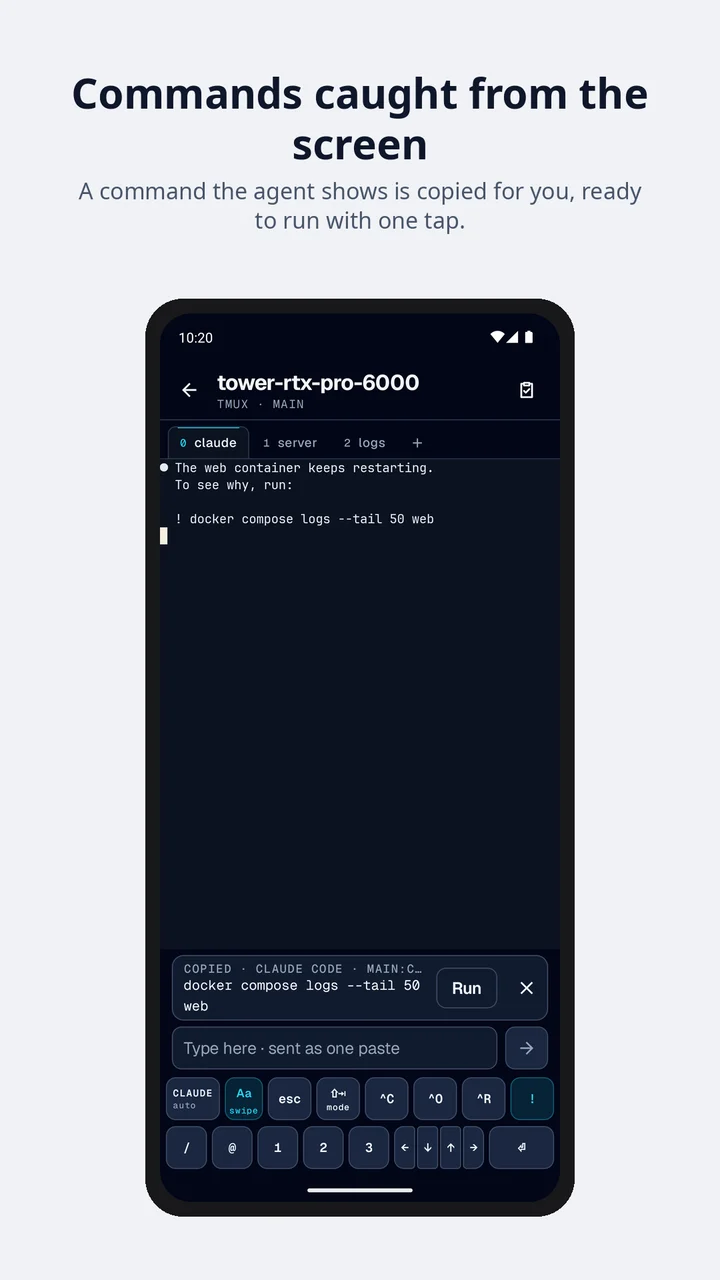
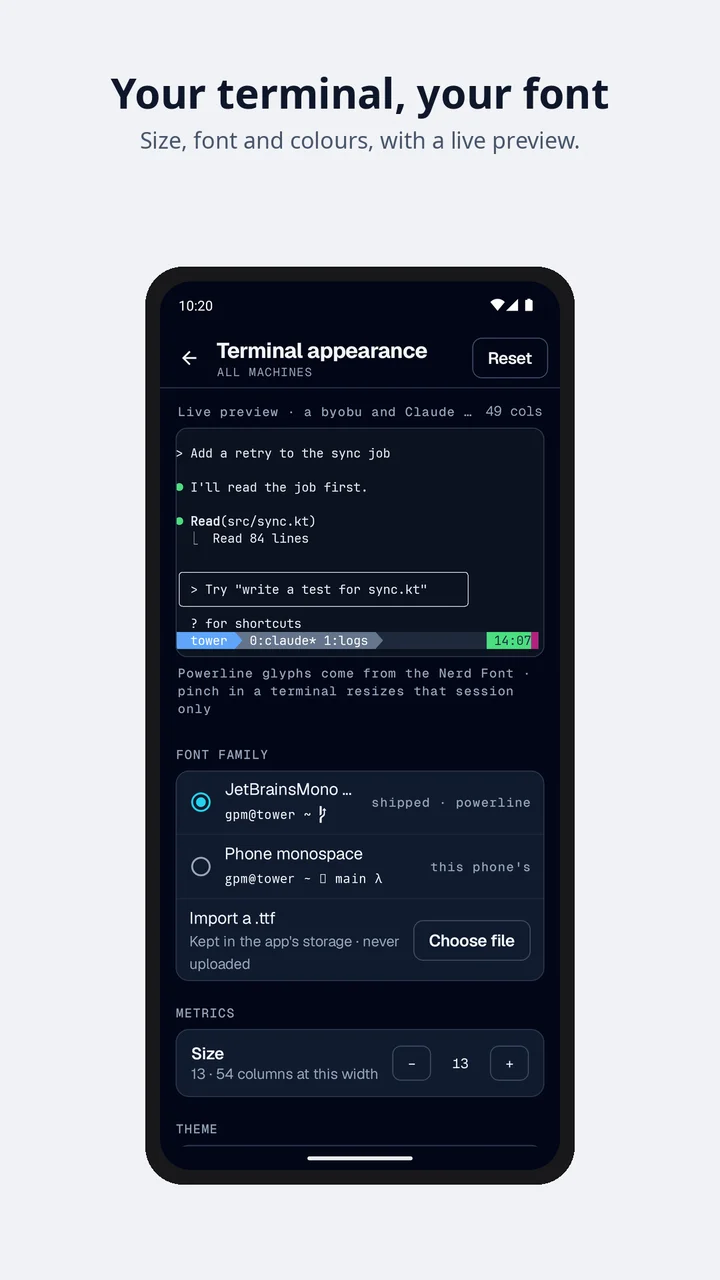
- A terminal for tmux and Claude CodeAn SSH shell that knows your tmux sessions and tells you when Claude Code is waiting for you. A command it catches goes to the clipboard and is never run for you.
- The relayA small program at home that watches, wakes and reads the KVMs for you, so your phone can do the same when you are away.
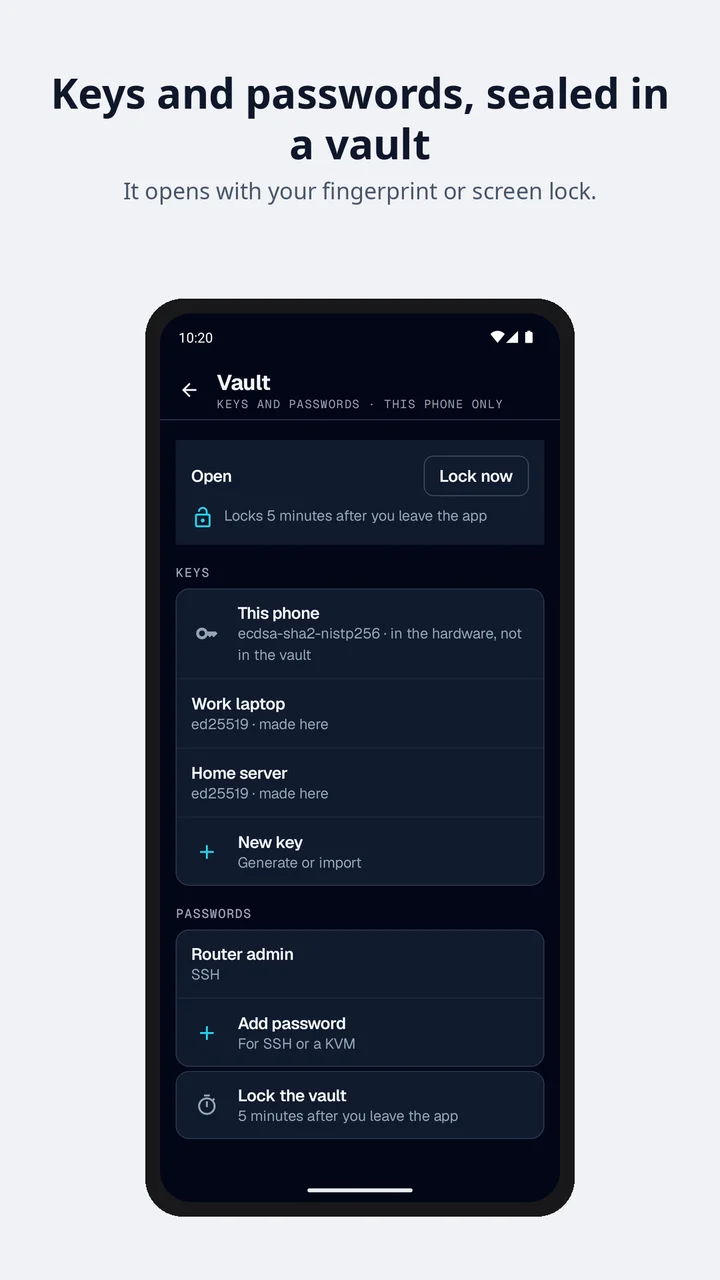
- Sync and vaults (Pro)Your machines, host keys, keys and passwords kept the same on every phone, end-to-end encrypted, in one vault or several.
The relay
A phone cannot send a Wake-on-LAN packet into your home from outside, and cannot watch the machines there. The relay is a program you run on a machine that is always on at home: it does that for the phone, and the phone talks to it over an encrypted channel of its own, on the home network, over your own VPN or, with Pro, through our server, which passes that channel and cannot read it. It runs on Linux, macOS and Windows.
Download the relay and see how to install it.
Releases
consolet is on Google Play and on the family’s F-Droid repository; 2026.11.5 was the first version out of beta. The changelog says what changed in each version.
Frequently asked questions
What is consolet?
An Android app that puts every machine you own on one screen: whether it is on and how busy it is, with a way to wake it, to look at its screen through a PiKVM or JetKVM and to open a shell on it.
Where can I get it?
From Google Play or the family’s own F-Droid repository. The optional relay for your home is downloaded from https://consolet.gpm-apps.com/relay/.
Is it finished?
It is out of beta since version 2026.11.5, and it keeps growing: things change from one version to the next, and the changelog says what.
What is the relay?
An optional program, consolet relay, that you run on a machine of yours that is always on at home, on Linux, macOS or Windows. It watches the machines there, sends the wake packets from inside the home and reads their KVMs, so that your phone can do the same from anywhere. Download and install steps are at https://consolet.gpm-apps.com/relay/.
Does it need an account?
No. You need no account to use it. An account (an address and a code, or Google in the Play build) is needed only for sync between your phones, which is part of Pro, and to read the answers to your reports. Without sync your machines, hosts, keys and sessions never reach us: they stay on the phone, or go to your own machines and to a relay you run at home (a KVM’s login only sealed for it, and only if you agree), and if that relay is reached through our server, with Pro, they pass it sealed, in a channel it cannot read; with sync they are sealed on the phone before they are sent. You can delete the account in the app or from the delete account page.
What is sync?
An optional Pro feature that keeps your machines, their host keys and your vault of keys and passwords the same on every phone you add. It is end-to-end encrypted: you choose a passphrase and get a recovery code, both stay on your phones, and our server stores only data it cannot read.